Latest Post

Are you looking for the best free Nodejs hosting platforms? You are at the right place. Node.js is a highly popular JavaScript open-source server environment used by many developers across the world.

Right from its commencement in 2009, the server has grown in huge popularity and is used by a lot of businesses. The industry and business sectors primarily make use of Node.js.

At present, Node.js is a most loved and well-known open-source server environment. Besides this, it provides the most convenient structure, which supports JavaScript as well as resolves various obstacles. Furthermore, it has made JavaScript easily understandable for programmers on the devices. In this article, we will check out the best free Nodejs hosting platforms that will prove very helpful.

By the end, you will have a strong understanding of various options available for the free Node.js hosting solutions accessible for your Node JavaScript projects and can make an informed choice on which service suits your requirements.

Render
Render.com

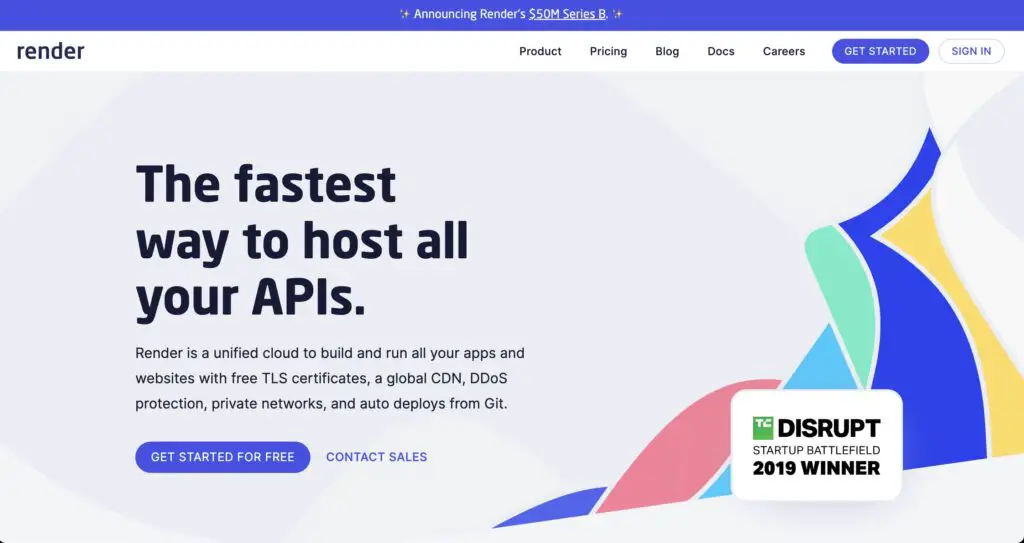
Render is a new company that offers free static hosting. It offers a wide range of free services that include Node.js & Docker hosting. Its pricing page static site, Redis, PostgreSQL, and services for free. Though there’s a little catch for PostgreSQL it runs only for 90 days free. Render has the smoothest and easiest developer experience as well and deploying the Node app was easy to use.

It has comprehensive docs that will help you deploy Node.js apps for free and also host various other languages as well as frameworks. There are a few other things that you may deploy on the Render app and they are Go, Python, Docker, and PHP (Laravel). You can host various other Node.js choices on Render such as Bun.js and Deno.

Features:

  • Simple deployment with just one click.
  • Get 1 GB of free storage.
  • Auto Scaling for traffic surges.
  • Constant deployment that will keep applications updated.
  • SSL Certificates for safe communication with the users for free.

Vercel
Vercel.com

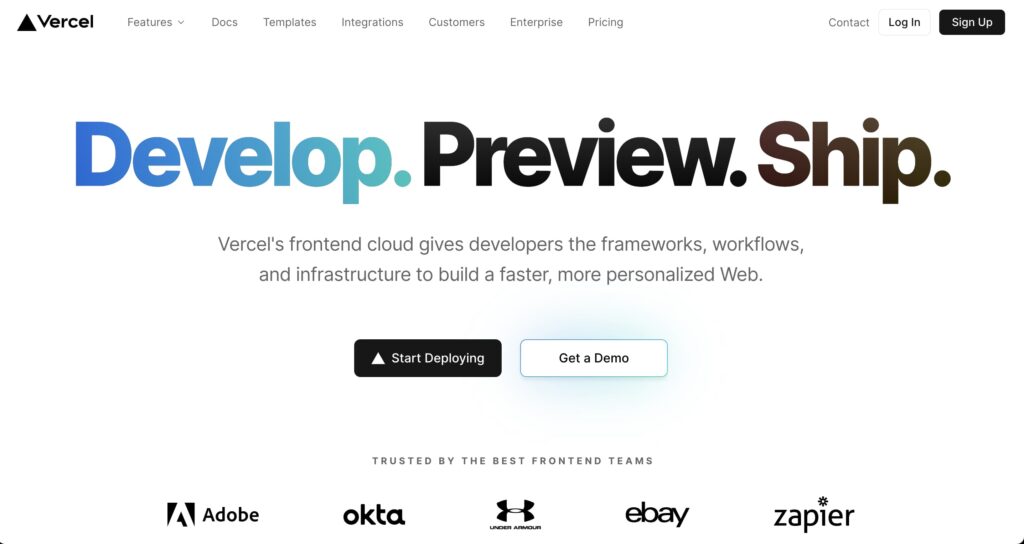
Earlier known as Zeit, the Vercel app acts as the top layer of AWS Lambda which will make running your applications easy. It’s the serverless platform that will run a range of things with stronger attention on the front end.

Vercel hosting platform is a popular hosting service with a lot of cutting-edge functions as well as amazing developer experience. Even though Vercel mainly focuses on front-end applications, it has built-in support that will host serverless Node.js features in a free tier. Vercel will be configured for retaining server experience with the help of the Legacy Serverful Behavior.

Thus, Vercel is the best hosting platform, which is loved by a lot of developers, and hosting Node APIs on this platform will be a great benefit.

Features:

  • Integrate Git hosting solutions like GitLab, GitHub, and BitBucket
  • Vercel provides a generous free plan and does not need a credit card 
  • It supports some popular front-end structures such as Next, React, Vue, and Gatsby
  • Deploy & execute server-less features 
  • Various project themes to bootstrap the new app
  • Vercel analytics will monitor the performance 

Glitch
glitch.com

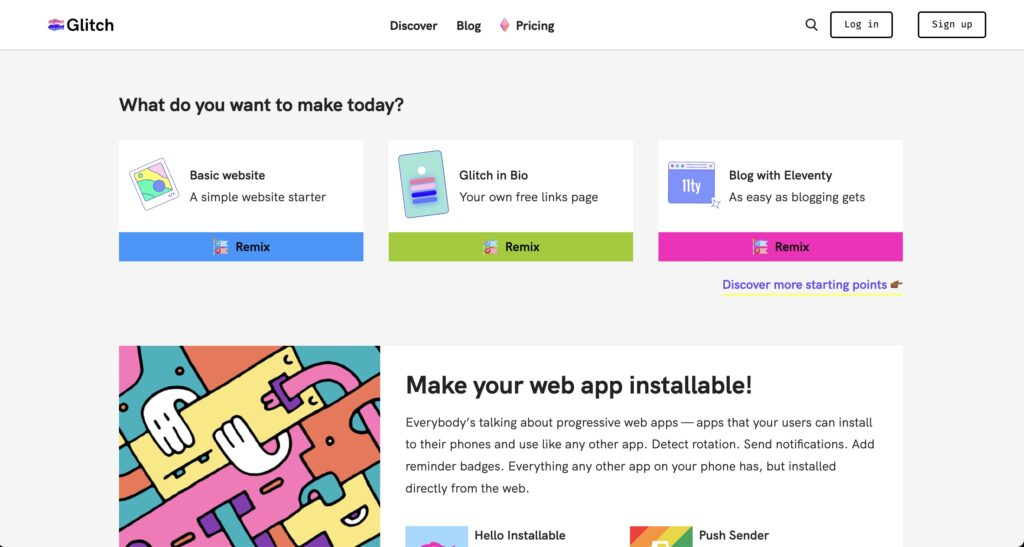
If you are looking for the best and most free Node.js hosting API for some fun projects, Glitch’s free feature plan is a perfect application for you. It is the best for fun prototyping or apps. For some serious projects, you have to check out their Pro program which runs for over $8 monthly (paid on an annual basis).

Their free plan allows you to create the app anonymously, although you will have to log in through Facebook or GitHub if you want this project to be live (any anonymous applications will expire within 5 days).

Fastly acquired Glitch in 2022, and started offering their Pro plan as the best way to expand on limits. It was made by Stack Exchange, Stack Overflow, and Trello.

Features:

  • Limitless project uptime
  • Custom domains offered 
  • Additional disk space
  • Friendly UI 
  • Tutorials to get you running
  • Integrate with APIs & other tech

Cyclic
Cyclic

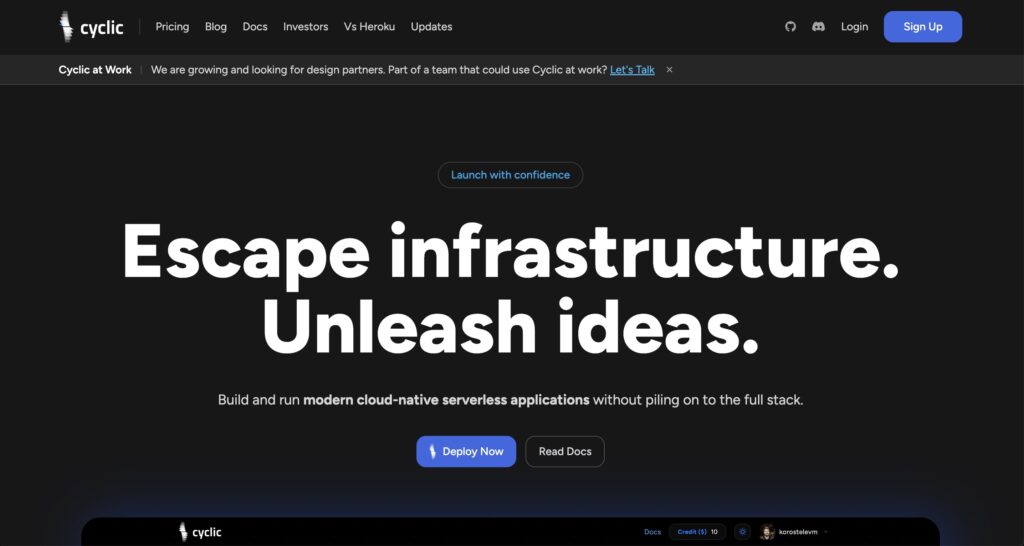
Cyclic offers full-stack Node.js services for free. This is the serverless wrapper made on top of AWS. As mentioned on their pricing page it has the self-claimed free tier to deploy one app and can easily be invoked ten thousand times in one month. It has some soft and hard limits stated on its limits page.

As mentioned on its pricing page it has a self-claimed free tier to deploy one app which can be invoked ten thousand times in one month. It has some soft and hard limits on its page.

Features:

  • 1GB runtime memory
  • 10,000 API requests
  • 1GB Object Storage 
  • 512MB storage
  • 3 Cron tasks

Google Cloud

Google Cloud

Now developers can experience low latency networks & host your apps for your Google products with Google Cloud. With the Google App Engine, developers can focus more on writing down code without worrying about managing its underlying infrastructure. Also, you will pay only for the resources you are going to use.

This service provides a vast choice of products or services that you can select from. It is simple to start with the App Engine guide. All customers and developers can take benefits of more than 25 free products on its monthly usage limits.

Besides, Google Cloud service is the best selection for webmasters looking to compare their features as well as select a good web hosting service for their websites. It offers the most intuitive user interface & scalability choices. What’s more, the pricing is competitive and straightforward.

Features:

  • Friendly UI and scalability options
  • More than 25 free products 
  • Affordable, simple to use, and flexible
  • Range of products 
  • Simple to start with user manual

Amazon AWS
Amazon AWS

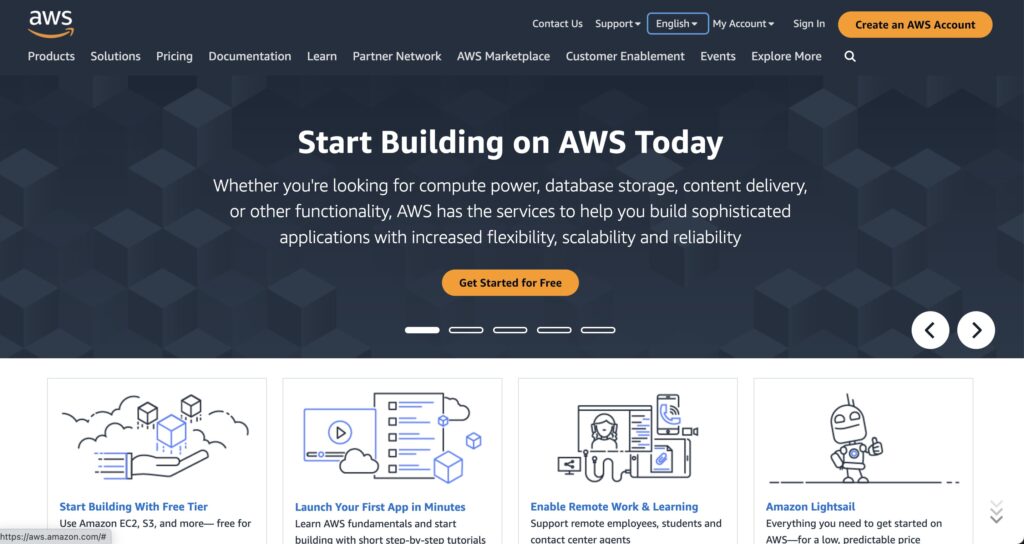
Amazon Web Services or AWS powers the whole internet. It might be a little exaggerating but would be incorrect to not talk about its popularity. The platform integrates many services that make them the top options as the Node.js free hosting app.

AWS is a cloud-based server that doesn’t offer hosting with the physical server but uses the virtual server. The majority of users prefer cloud hosting since it won’t ask you to pay for any additional resources when buying. Instead, it just charges you for used-up space.

The company offers a free hosting plan that will give you a very good start. For its paid plans you need to pay for every hour for the service category that will be for one to three years period. Separate costing for storage, computing, migration, database, and transfer, networking and content delivery, media service, developer tools, analytics, and more are present.

To start with AWS hosting is very simple. All you have to do is just upload the code and allow AWS to provision & deploy everything for you. There’s no cost of using its Elastic Beanstalk service and you are charged for services provided by AWS.

Features:

  • Pay only for used storage space 
  • Simple integration of plugins
  • Monitoring included
  • Load balancing and auto-scaling to scale an application
  • Free plans will expire after a year
  • You need to couple the paid services and free services to launch the fully functional website
  • AWS paid services are costly 
  • Good for web apps & SaSS platforms

Microsoft Azure
Microsoft Azure

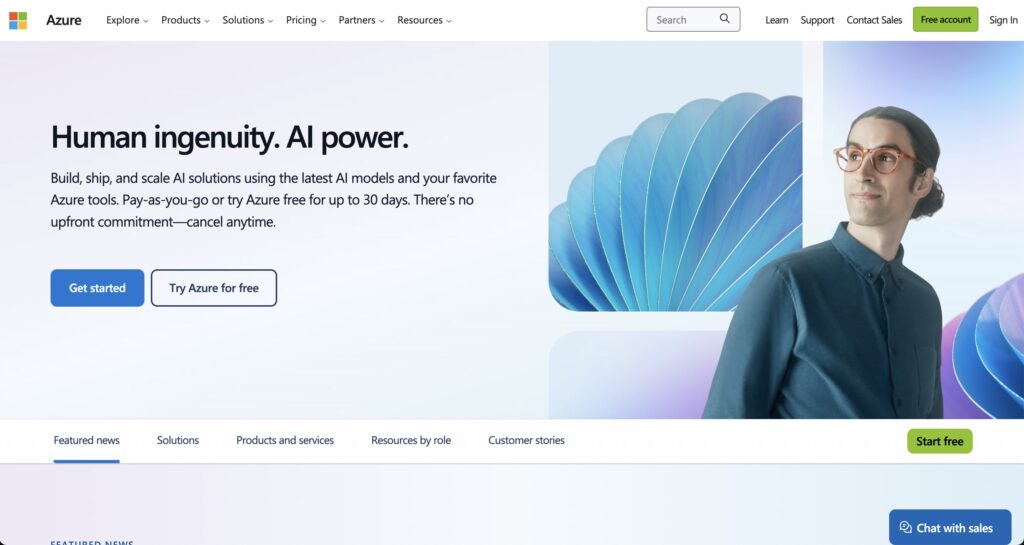
Microsoft Azure is a robust cloud computing server that makes it simple to host & deploy Node.js apps. It provides an App Service that includes fully managed service for Node.js web hosting applications without any upfront commitment & cancel option.

Their service provides the most sophisticated vision, language, speech, and AI models, hence you will be able to create your machine-learning system. You can create applications that can detect & classify various concepts and objects

Many web developers find their service to be highly reliable and powerful, especially for cloud computing. It helps to create various web apps. With Azure you can find some amazing functions that you can start quickly, their AI models have advanced options. The platform offers free core services and you also get a credit of $200 as an incentive for trying out this platform.

Features:

  • Applications can detect and classify objects
  • Fully managed Node.js app hosting 
  • High-class vision, speech, language, and decision-making AI models
  • Cloud computing platform to create online apps 
  • Scale web apps 
  • Sophisticated AI models provide advanced options

Netlify
Netlify

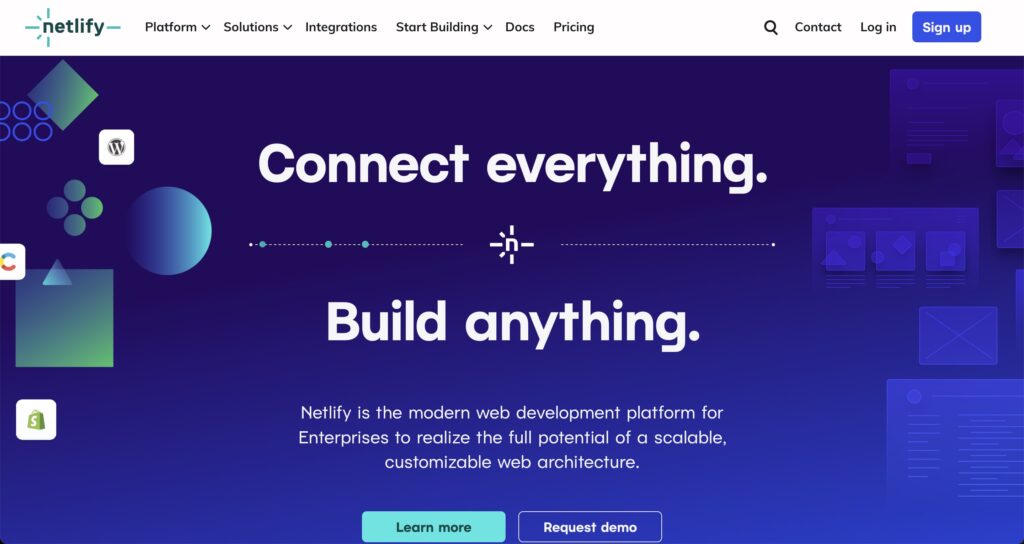
Netlify is yet another popular platform to deploy web projects and apps. The platform provides a free hosting program that has an integrated system to deploy various projects and software from GitHub and GitLab. You just need the project URL to create features, and you are all set to start.

Netlify has a friendly user interface with free SSL, it gives you fast CDN access. Besides, Netlify has Serverless support, so you can use their Functions Playground and create the Serverless features and deploy The Gatsby with WordPress API immediately.

Netlify maintains a very active project GitHub page. Till now, they have published over 240 packages for open-source collaboration. Their web hosting function is created by the developers for developers.

Features:

  • Create history so you may roll back when any issue presents itself.
  • Deploy project is done automatically with Git. private or personal repos.
  • Access to Edge network – distributed CDN globally.
  • Host a wide range of websites.
  • 100GB bandwidth and 6 hours of build time.

Qovery
Qovery

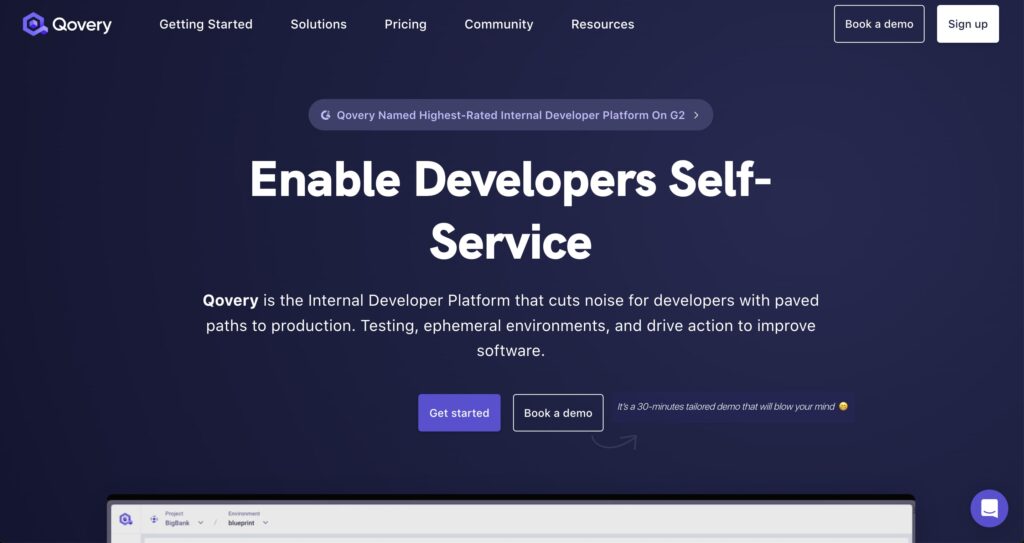
If you do not have any prior experience in managing cloud infrastructure, Qovery is the best choice for you. This platform was made from scratch to help startups improve their operations. At present, Qover is accessible for DigitalOcean, AWS, and Scaleway users.

To make it clear and use Qovery solutions, you will require an account on those cloud solutions. With AWS free plans and a combination of Qovery – it will create a most powerful combo for use. At least for the small-scale projects, that you are not yet ready to commit to complete.

If that is not a big trouble, you may take complete benefit of Qovery’s core functions. Build from Git, and deploy in different stages, and utilize Kubernetes to scale while demand exceeds.

Features:

  • Over 1 cluster
  • Unlimited Developers
  • One-click Preview Environment
  • Over 5 Environments

Conclusion 

So here you have the complete list of different platforms where you may host the Node.js projects. All the hosts in this guide provide excellent web services & generous free tiers. Besides, they will help you to build a strong website. Finally, it comes down to what type of experience that you want. We hope this blog post on the best free Nodejs hosting platform has helped you find the right hosting service!

The post 9 Best Free Node.js Hosting 2023 appeared first on The Crazy Programmer.


from The Crazy Programmer https://ift.tt/c98h2xK

One of the fastest-growing domains in the recent years is data science. For those who don’t know, data science revolves around different subjects that ultimately lead to one goal. Subjects include math, statistics, specialized programming, advanced analytics, machine learning, and AI.

Working with these subjects, a data scientist uses his expertise to help generate useful insights for guiding an organization with respect to the data they have. Organizing and explaining this data for strategic planning is what a data scientist does and should be skilled at.

It’s an exciting field, and if you’re an expert or someone who wants to excel as a data scientist, then you must be adept at what you do. When that’s done, make sure to apply for as many postings in reputed organizations as possible since the job’s quite in demand.

How to Prepare for Data Scientist Interview

As for the interview process, it can be tough and hectic since you need to demonstrate a good insight into the domain to ensure that you’re an expert. Companies don’t tend to hire people who aren’t insightful or can’t contribute more than they’re already achieving.

Therefore, let’s get into how you can prepare for a data science interview and excel at getting a job at the company of your liking:

1. Preparing for Coding Interviews

One of the hardest phases of any data science interview is the coding phase. Since the position requires skilled expertise in coding, it’s imperative that you prepare yourself for it. Coding interviews consist of various coding challenges comprising data structures, learning algorithms, statistics, and other related subjects.

In order to prepare for these, you should focus on the foundational concepts for each subject. In addition, you should practice various problems, scaling from easy to professional to emergency levels, so that you can prepare for any real-time situation provided in the interview.

If you want you can find various online courses that you can view and even enroll in to get a certification. Having a certification with your experience will surely do you good in interviews.

2. Preparing for Virtual Interviews

Most companies that are hiring data scientists don’t directly call candidates for physical interviews. They scrutinize available candidates and narrow them down to the optimal ones via virtual interviews.

This usually involves pre-assessment coding tests as well as a short virtual interview that gives the recruiters a better idea of whether the candidate should appear for a second interview or not. That’s why you should take good measures and prepare for your virtual interviews as well.

It’s likely that you’ll be interviewed live and will have to complete an online assessment while being live on your cam. For that, ensure that you have a professional workspace, room, and dressing.

Also, ensure you’re using a stable internet so that you don’t get buffering or any botherations during the time you’re on call. Amongst recommendations, we suggest checking out plans from Xfinity or contacting Xfinity customer services to choose from available reliable options.

Apart from this, ensure your equipment is working properly including your microphone, camera, keyboard, etc. so that any interruptions won’t undermine your value during the interview.

3. Brushing Up for Technical Interview

In addition to the coding interview, you also need to prepare yourself for a technical interview. This usually happens within the coding interview; however, there can be multiple rounds for it. That is why you need to polish your technical knowledge in order to prepare for it. Here are different steps that you can deploy for it:

Programming Languages

To begin, you need to go through programming languages including Python, R, SQL, etc. necessary for the purpose. This also includes creating code for different pertaining problems as well as utilizing inventiveness for the given situation.

Data Structures & Algorithms

Since the technical round will comprise various algorithms, you’ll need to go through data structures and algorithms too. This will prepare you for any given situation dealing with the algorithms on different difficulty levels.

Data Manipulation & Analysis

Data manipulation is quite important when it comes to being a data scientist since it’s everything. From retrieving to analyzing the information to data cleaning and applying statistics, you should be versed in the technicalities of data manipulation.

Also, you need to be versed in techniques needed for comprehending statistical elements via various techniques such as regression analysis, probabilistic distributions, etc. For that, you’ll need to go through these practices to ensure that you know how real-time problems will be solved.

4. Familiarizing with Business & Financial Concepts

You’ll also need to familiarize yourself with the company’s web pages as well as networking sites so that you can adapt your responses accordingly. This will also require you to study in-depth about the job position you’re applying for so that you can orient your answers to what’s required by the company.

Closing Thoughts

With these pointers, you should be able to prepare yourself for a data science interview. Ensure to keep these handy while you’re preparing for one, and excel at your next interview.

The post How to Prepare for Data Scientist Interview in 2023? appeared first on The Crazy Programmer.


from The Crazy Programmer https://ift.tt/uhPUzMg

Stuart Haber? Scott Stornetta? Ring any bells? How about Stefan Konst? Not really? Well, then you probably know Satoshi Nakamoto, and by ‘know,’ I mean heard of, because, of course, he/she/it’s faceless. But blockchain technology, whose re-emergence from the cold pings back to his 2008 white paper, is no stranger in the room.

Over a decade since the white paper, blockchain technology has found fame (and infamy) through cryptocurrencies like Bitcoin and Ethereum. But it doesn’t end with the coins. This tech has lived long enough to sire diverse blockchain companies, from Coinbase down to Chainalysis.

But it’s not just about crypto. The true prowess of blockchain technology shines brightest in the programming arena. Let’s show you how these code warriors make this magic happen.

Applications of Blockchain Technology in Programming

Smart Contracts

Remember pinky promises when growing up? Smart contracts are like that but on steroids. So, what moves them?

Code cowboys work on these contracts specifying conditions and outcomes. And like the James Dean of tech, these contracts are fussy enough to operate by their own predefined rules and only budge when those rules are met.

Picture this: Person A sends some cash, and like magic, Person B gets a shiny digital goodie. Condition? No cash, no goodie. Yes cash, yes goodie. It’s as straightforward as ordering your morning coffee.

With perks like this, it’s a no-brainer why you’ll see many companies using blockchain technology nowadays.

Tokenization of Assets

If Andy Warhol were to rise today, he would be more surprised than Derek Zoolander. Why?

Four of his paintings are now on the blockchain, thanks to super-smart devs who are turning real things, like art or property, into digital versions called ‘tokens’.

What are these tokens though? They’re digital stickers that say, “This belongs to you.” By turning these real-world goodies into digital tokens, it becomes easy to buy, sell, or trade them on the internet.

Decentralized Apps (DApps)

You’ve heard of a new game and all the hype that comes with it. You pick up your phone to download it. Where do you go? Often Google Play Store or Apple Store. But that’s not the deal with DApps.

These bad guys run on a decentralized network of computers. This means no more big brother setting the big rules. All data and operations strut across a network, helping these rebels of the tech world to give the cold shoulder to censorship.

And as for glitches? They’re as rare as a hiccup in your grandma’s trusty vintage radio. Why? Because there’s no single point to trip over; no central server playing spoilsport. And when it comes to being open and honest? They outshine traditional apps, offering a level of transparency and security that’s simply unmatched.

With these serious advantages, it’s no wonder there are many blockchain companies out here already.

Digital Identity Verification On Blockchain

Take a seat. Now, think about a world where proving who you are doesn’t involve sifting through a mountain of paperwork or remembering the maiden name of your third-grade teacher. Welcome to digital identity on the blockchain! It’s like having a digital twin that vouches for you, without the drama.

How? Crafty programmers set this up on blockchain platforms. They then securely code in your identity details, and when verification is needed, the system checks the blockchain, not some easily forged document.

Say you’re signing up for a new service online; the system can quickly confirm “Yep, that’s you!” without you needing to spill your life’s story. Why’s this a game-changer? Blockchain-based identities slash through red tape, boost security, and put you back in control of your personal info. It’s the future, making “Who are you?” a breeze to answer.

Decentralized Autonomous Organizations (DAOs) On Blockchain

Picture a bustling company, but wait, there’s no boss in the corner office or managers running the show. Welcome to the world of DAOs! It’s like a company got a digital makeover, where everyone’s voice counts and decisions are made by the collective.

So, how’s the magic done? Tech wizards craft DAOs on blockchain platforms. They embed all the rules, and like clockwork, operations tick based on those rules or the votes of its members.

Imagine a DAO designed for charity; members could rally together, vote on where the funds should dance off to, and voila! The DAO, like a trusty butler, ensures the funds waltz to the right cause.

And the showstopper? DAOs are the future of organizations. They shine the spotlight on transparency, cut down the backstage clutter, and let every member be a director of the grand play. It’s a fresh take on how we work together, making every act count.

Final Words

The digital realm doesn’t really wait for anyone. That’s why many companies making a killing online are getting the best devs on their side to chase after the blockchain glory. As industries adapt and integrate, it paves the way for enhanced trust, transparency, and efficiency. From revolutionizing finance to bolstering the Internet of Things, embracing blockchain is a step towards a more secure and streamlined digital future.

The post 5 Applications of Blockchain Technology in Programming appeared first on The Crazy Programmer.


from The Crazy Programmer https://ift.tt/7j9pR2q

In the world of programming languages and web development, both – responsiveness and performance are the key. What do the users of websites expect, after all? They expect web apps and websites to load as fast as possible and respond to their interactions swiftly. The reality is that achieving that kind of performance level can be a disaster, especially when you face things like resource-intensive tasks (API calls, file I/O operations, database queries, etc.). The solution? Asynchronous programming, of course! A lot of beginners tend to seek professional programming assignment help at the beginning of their journey. Together, we will find out more about the wonderful world of async PHP. Let’s dive in!

What is Asynchronous Programming?

Asynchronous programming is a special paradigm that allows a program to conduct the most various tasks concurrently, without the necessity to wait for each one to complete before proceeding to the next. Async programs do not block the code execution. Instead, they initiate tasks and keep on processing other work while waiting for the tasks to end.

Conventionally, PHP language has been the so-called synchronous language where every code line is executed sequentially. In other words, if one operation requires too much time to complete, it can hold up the whole app. Async PHP, however, enables developers to execute non-blocking operations. This, in turn, enables your app to handle multiple tasks at the same time.

Async PHP - A Deep Dive into Asynchronous Programming

The Need for Asynchronous PHP

Why would anyone need the async PHP when there’s the conventional sync type used here and there? Let’s imagine a scenario with a web app needing to fetch data from different APIs before rendering a page. In the case of a sync PHP app, every API request would be performed sequentially. This would greatly increase the page load time.

On the other hand, async PHP enables one to create wide arrays of API requests at the same time and keep on processing other parts of the app while looking for the responses. This guarantees a more positive user experience and faster page load time.

Understanding Promises

Promises are the core of the async programming in PHP. In the community of PHP language experts, promise is a value that may not be available yet; however, it will be at some point. Originally, there were just three possible states of a promise:

  • Pending. The initial state represents a promise that has not yet been fulfilled or rejected.
  • Fulfilled. It represents the ideal outcome. In this case, the promise has value.
  • Rejected. In this case, you face a failure or error where the promise has a solid reason for the error/failure.

Once you use promises, you have a chance to handle async operations and their results in a systematic way. 

Asynchronous PHP Libraries

A range of libraries enable async programming in PHP versions. Every library has its own unique set of tools and features. Using them all helps experts write async code more easily. Now, we’ll take a look at some of the most popular types. Read on!

ReactPHP

A popular async programming library that many programmers use offers non-blocking, event-driven, and user-oriented I/O operations and tons of elements for creating async apps. It supports excellent performance and scalability, being a top choice for real-time apps and high-performance web servers.

Amp

You should know about this powerful async framework for PHP. It provides an extensive assortment of elements and concurrency models for working with async code. It supports asynchronous generators, coroutines, and promises, making it versatile for numerous use cases.

Swoole

Concurrent and production-ready async framework for PHP, Swoole offers async I/O operations together with coroutine support, a WebSocket server, and a web server. An excellent solution to build real-time, high-performance apps in PHP.

Real-World Use Cases

Below, we will take a closer look at some of the real-world use cases where async PHP works magic.

Concurrent API Requests

Let’s imagine you need a web app built. Suppose it needs to fetch data from various external APIs. In the case of the sync PHP app, the programmer would send one API request at a time. As a result, the app would wait for every response before switching to the next request. As for the async PHP, one can initiate every API request concurrently. As a result, the time it takes to fetch the data and render the page is reduced significantly.

Real-Time Applications

Real-time apps like web gaming platforms or chat apps require non-stop communication between clients and the server. In tandem with WebSocket support from libraries like Swoole, async PHP can handle dozens of connections at the same time in the most effective manner. This results in prompt delivery and real-time updates.

Asynchronous PHP provides a lot of advantages; however, it has a range of challenges as well. Let’s take a look at some of the pros and cons.

Pros of Async PHP

  • Enhanced performance. Asynchronous programming can significantly boost the performance of web apps by allowing concurrent execution of tasks.
  • Scalability. Async PHP is an ideal option for building high-performance and scalable apps that can deal with a bunch of concurrent connections.
  • Responsive user experience. Apps that use async PHP respond faster to various interactions between users and developers, guaranteeing a 100% smooth user experience.

Cons of Async PHP

  • Learning curve. PHP language developers may need to master new libraries and concepts in order to work with async PHP in a more efficient manner.
  • Complexity. Writing asynchronous code in PHP can be more difficult and time-consuming, as well as harder to debug than synch code.
  • Resource management. Dealing with resources such as memory and file handles in asynchronous apps can be tough.

Final Words

Asynchronous PHP is a useful and powerful instrument whether you need to build real-time systems, high-performance web apps, flatten a PHP array, deal with various operations involved in working with functions in PHP, etc. It allows developers to express their talents, leading to enhanced performance and a perfect user experience.

Considering multiple posts and what experts tend to comment online, all the advantages that async programming in PHP brings in terms of scalability and responsiveness are 100% worth all the efforts. By using the right async PHP library, classes, and other tools for your current project and understanding how to generate async code efficiently, one can take PHP apps to the next level of interactivity and performance. A better one, of course.

The post Async PHP – A Deep Dive into Asynchronous Programming appeared first on The Crazy Programmer.


from The Crazy Programmer https://ift.tt/jq2SW4T

First impressions hold immense significance, and this is true not only for physical encounters but also for digital products. It’s this very notion that has propelled the advancement of user interfaces within web and mobile apps. Gradually and persistently, contemporary mobile and web design have dared to push the limits, intricately blending aesthetics, functionality, and effortless interaction. Join us as we delve into the strategies for delivering truly exceptional outcomes within this ever-evolving domain.

The significance of mobile and web app design

In web and mobile app development, design is of vital importance. It transcends mere aesthetics; it’s about shaping experiences that resonate and make a lasting impact. 

Think about the software you find yourself drawn to – the one that holds your attention beyond functionality. This may be a web solution or a product for smart devices. Chances are, its appeal goes deeper; it’s about how it evokes emotions. This is the essence of design. It’s the subtle art that elevates an app from merely functional to genuinely enjoyable. Perfect UI crafts the atmosphere, tone, and sentiment behind each interaction, forming an experience that users connect with on a personal level.

A well-designed interface allows people to carry out their tasks effortlessly. And it fosters trust. An organized, clean UI instills assurance, signaling that an app is reliable and user-oriented. People are more likely to engage, explore, and even recommend such a solution. This is highly beneficial for companies offering digital products. 

10 Key Principles to Follow

10 Key Principles Behind Exceptional Web and Mobile App Designs

There are many ways to implement a visually pleasing design. Let’s look at the essential principles that navigate a path to design excellence.

Conducting User-centric Research

Commitment to user-centricity is at the heart of the UI revolution. To make products that appeal to as many users as possible, specialists must carry out user research. They should figure out what people really want, what they do, and what causes problems for them. In brief, specialists must detect all aspects that help make interfaces not just look cool, but actually work.

So, professionals must understand how users click, swipe, and perform other actions. By doing this, designers get a grip on what colors, fonts, and layouts people find the most pleasant. But it’s not just about making things look pretty – it’s about solving problems, too. Through interviews and surveys, designers spot the speed bumps in the user journey, the things that mess up the experience. Armed with this knowledge, they create exceptional products.

Nowadays, tailor-made experiences are indispensable. Whether it’s making a web solution super easy to use for seniors or making sure everyone can actually read the text, user-centric research is a must. 

Optimizing Navigation

Navigating through an app shouldn’t feel like rocket science. That’s why specialists working on mobile and web app design simplify navigation. They aim for a seamless user experience where people effortlessly find their way around software features.

Providing intuitive navigation is like giving users a reliable map – clear and straightforward. Designers strategically place buttons, menus, and tabs so that users don’t have to spend much time figuring out how an app works. They arrange elements logically.

There is one more factor they consider – complexity. That’s why they try to reduce unnecessary steps and choices. Imagine ordering a pizza: you need to get food quickly but you have to fill out a survey first. No one wants that. By simplifying navigation, designers make sure users interact with an app as efficiently as possible.

You should also ensure a perfect user flow. This means that users smoothly transition between different sections without feeling lost. With the right navigation, they can explore a digital product hassle-free.

Also Read: 10 User UI Components That Developers Need to Know

Creating a Consistent Visual Language

Visual harmony is a prerequisite for success. Specialists must craft a consistent visual language that ties everything together, from icons to colors. This makes a software product aesthetically appealing and pleasant to use.

When you navigate through different sections of such an app, it all feels like part of the same family. That’s the strength of a consistent visual style. Using the same fonts, colors, and icons doesn’t make the solution look plain. The main goal here is to ensure the sensation of familiarity.

But it’s not just about appearances. A unified visual language means users can explore different parts of your software without feeling like they’ve wandered into a different world. By sticking to consistency, designers help users transition smoothly, without feeling lost.

Icons, typography, and colors are the building blocks here. Professionals engaged in mobile and web app design ensure these elements work together cohesively.

When designers settle on a recognizable style, they’re not just focusing on aesthetics; they’re crafting software that people can navigate with assurance, knowing that wherever they explore, the experience will be as familiar as a well-trodden path.

Implementing Mobile Responsiveness

Specialists must ensure a software solution looks perfect on all screens. This approach is called mobile responsiveness. All UI elements must seamlessly adjust to various screen sizes and orientations. 

Designers creating web solutions that have versions for smartphones and tablets keep mobile design in mind from the very beginning. They simplify UI elements for smaller screens. 

But they don’t just shrink things down. Screen rotation is another important factor to consider. If you rotate your phone and suddenly everything’s a mess, you’ll be annoyed with such a software product. That’s why designers make sure an app adjusts smoothly.

Here’s the bottom line: Mobile responsiveness is not an optional extra; it’s a baseline requirement. With a plethora of devices out there, ranging from tiny smartphones to huge tablets, any solution must look perfect and feel intuitive, regardless of the device.

Focusing on Accessibility

Accessibility is a pivotal aspect of mobile and web design. Specialists must ensure that a solution is usable by everyone, regardless of their abilities or limitations. Each user must be able to engage comfortably, and it all starts with integrating accessible design principles.

To achieve this, designers employ thoughtful strategies. First off, there’s the matter of color contrast. This ensures that text and visuals stand out distinctly, making them easy to discern against their background. It’s especially important for elderly people or for the visually impaired.

Typography also plays a vital role in accessibility. Its goal is legibility. The text must be easy to read without causing strain, even if it’s meant not for a web solution but for a tiny screen. Designers select fonts and sizes that facilitate a smooth reading experience.

The real magic lies in assistive technologies. They are invaluable for users with disabilities, aiding their navigation through an app.

Accessibility isn’t a mere checkbox; it’s a commitment to creating an inclusive space. By integrating accessibility principles into web and mobile app design, you’re crafting an environment that’s easy to use for everyone.

Crafting Intuitive Gestures and Interactions

Users interact with software products with the help of swipes, taps, and touches. The ease of use defines their digital experience. And this must be smooth.

For instance, a user can effortlessly swipe left to reveal more options or pinch to zoom in. These are intuitive gestures. It’s like teaching your software to understand users’ intentions, so actions feel natural and instinctive. Designers orchestrate these interactions to resonate seamlessly with users.

These interactions should hold purpose. Whether it’s a tap to like, a drag to reorder, or a double-tap to zoom out, each gesture serves a distinct function. Specialists ensure that users don’t face trouble; instead, interactions should flow effortlessly.

Fluidity is paramount. Interactions should resemble a gentle stream that users navigate with ease. Through every tap and swipe, professionals working on design strive to cultivate a sense of harmony.

Minimizing Clutter

Simple digital space is essential. That’s why top-tier designers always declutter UIs. This helps them to create clean, straightforward, and inviting mobile and web designs.

An interface must warmly greet users without bombarding them with a surplus of choices. This is relevant for web products. But for those meant for smartphones, this is essential. Simplicity is a top priority for efficient digital solutions. It’s like offering a selection of the finest options, instead of a multitude of unnecessary ones. Key elements should be arranged with care.

Specialists working on design highlight essential components. By giving each element sufficient space, they ensure that users interact with the software without encountering confusion.

The objective is to allow users to focus on what truly matters. In an age where information overload is commonplace, minimalism is like a breath of fresh air.

Mastering Visual Hierarchy

Visual hierarchy in web and mobile app design is a technique that subtly guides users to the focal points. It’s about creating an organized structure of visual cues that naturally draw users’ eyes and actions.

A user must easily locate the most important button amidst various content. To secure this, designers arrange elements strategically to lead users’ attention.

But it’s more than just the size and color of elements. It involves a skillful blend of layout, contrast, and emphasis – like arranging a bouquet where each bloom complements the others, creating a pleasing composition.

This approach allows specialists to build a user-friendly path. Specialists create an experience that engages users, leading them through an app’s narrative effortlessly.

Integrating User Feedback

Experienced developers and designers always strive to transform user insights into actionable improvements. They integrate user feedback – a dynamic loop that serves as a bridge between users’ experiences and web and mobile app design. This helps to fine-tune a software product into something that resonates with users.

The design process shouldn’t be one-sided. Collaboration with users can yield significant results. By addressing their preferences and pain points, specialists create exceptional products.

This doesn’t mean, however, that each suggestion matters. Pay attention to those that make the entire experience better and more comfortable. UI must be a work in progress, and user feedback is the tool that helps designers refine the details.

Such cooperation allows professionals to create a comprehensive experience. A continuous enhancement plan for UI, with each piece of feedback contributing to an evolving puzzle, is a secure way to create a robust app. This significantly increases user satisfaction and helps companies to attract even more users.

Introducing Usability Testing

One of the most efficient ways of refining UI is through real-world examinations. Here is where usability testing has its say. It’s an iterative process that involves observing how real users interact with the product design. It helps professionals identify potential issues and ensure that the UI they have created truly caters to user needs.

In this scenario, design decisions are no longer based on assumptions but are grounded in actual user experiences. By consistently conducting usability testing, an IT company is effectively inviting different target groups to participate in the design journey, sharing insights on where the UI excels and where it falls short. It’s like improving a recipe based on the feedback of those who taste your dish.

Usability testing is a series of checkpoints that help professionals enhance the entire UI. Designers thus spot areas of friction and make adjustments to streamline the user experience.

So, when professionals incorporate usability testing, they’re not just designing; they’re collaborating with users to craft an experience that’s not only efficient but also satisfying.

Conclusion

In web and mobile app development, designing exceptional user interfaces surpasses mere technicality. It’s an art that translates technology into intuitive experiences. Through thorough user-centric research, seamless mobile responsiveness, and a continuous infusion of user feedback, UI designers create robust products that easily find their audiences. Mobile app development companies pay special attention to these aspects, as the number of mobile products grows exponentially, and it’s hard to gain grateful users with a variety of products on the market.

The significance of aesthetically pleasing UIs transcends visual appeal. With clear interfaces, the user experience is seamless and pleasant across devices and platforms.

The post 10 Key Principles Behind Exceptional Web and Mobile App Designs appeared first on The Crazy Programmer.


from The Crazy Programmer https://ift.tt/rbZ2Pdv

Here I have shared some popular quotes by Tim Berners-Lee. Before going through the quotes let’s have a short overview of his life.

Tim Berners-Lee was born on 8th June 1955 in London, England. He is known as the inventor of the World Wide Web. He completed his schooling at Emanuel school in London and later he enrolled in the Queen’s College, Oxford where he earned his bachelor’s degree in physics in the year 1976. In Oxford, he used an old television set and a soldering iron to build a computer for his future pioneering work. After graduation, he worked in various fields such as telecommunication and computing sectors, where he explored ways to make information more accessible and interlinked.

To develop open standards for the web, he founded the Worldwide Wide Web Consortium in the year 1994. To ensure the web remains accessible, beneficial, and safe, he established the Web Science Trust and World Wide Web Foundation. Throughout his whole career, he received many awards and even he was knighted by Queen Elizabeth in the year 2004. He became an influential voice for digital rights, ongoing evolution on the web, and data privacy. His contributions are very transformative and it was the foundation for the information age. It helps virtually in every aspect of our daily lives.

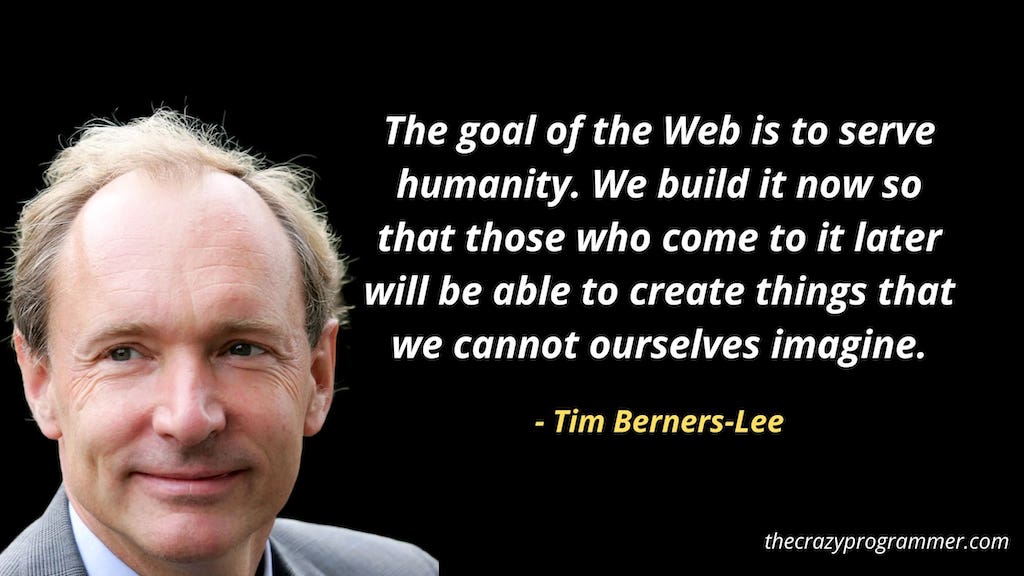
The goal of the Web is to serve humanity. We build it now so that those who come to it later will be able to create things that we cannot ourselves imagine.

The goal of the Web is to serve humanity. We build it now so that those who come to it later will be able to create things that we cannot ourselves imagine.

The power of the Web is in its universality. Access by everyone regardless of disability is an essential aspect.

The power of the Web is in its universality. Access by everyone regardless of disability is an essential aspect.

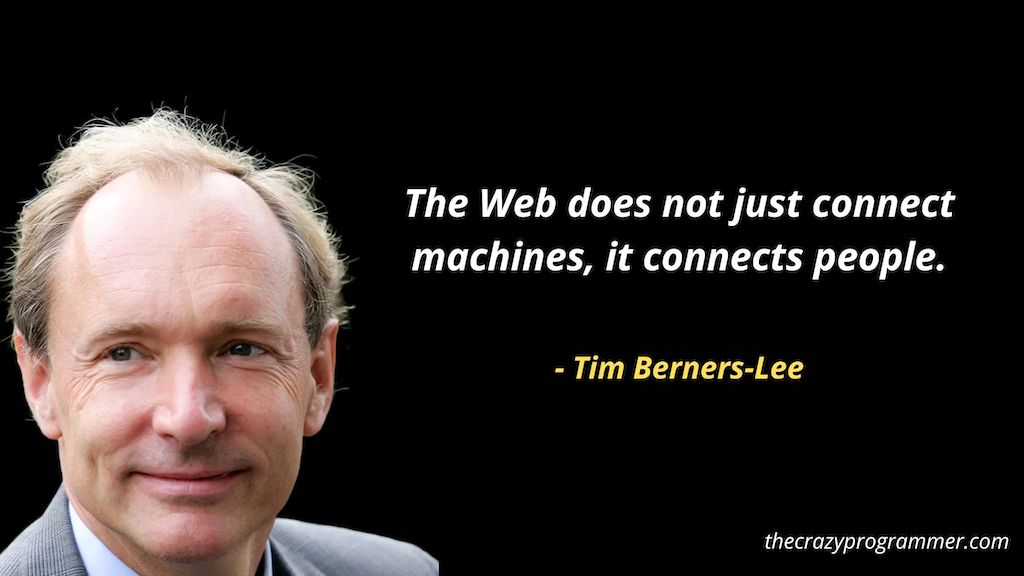
The Web does not just connect machines, it connects people.

The Web does not just connect machines, it connects people.

When you understand things, there’s no more magic.

When you understand things, there's no more magic.

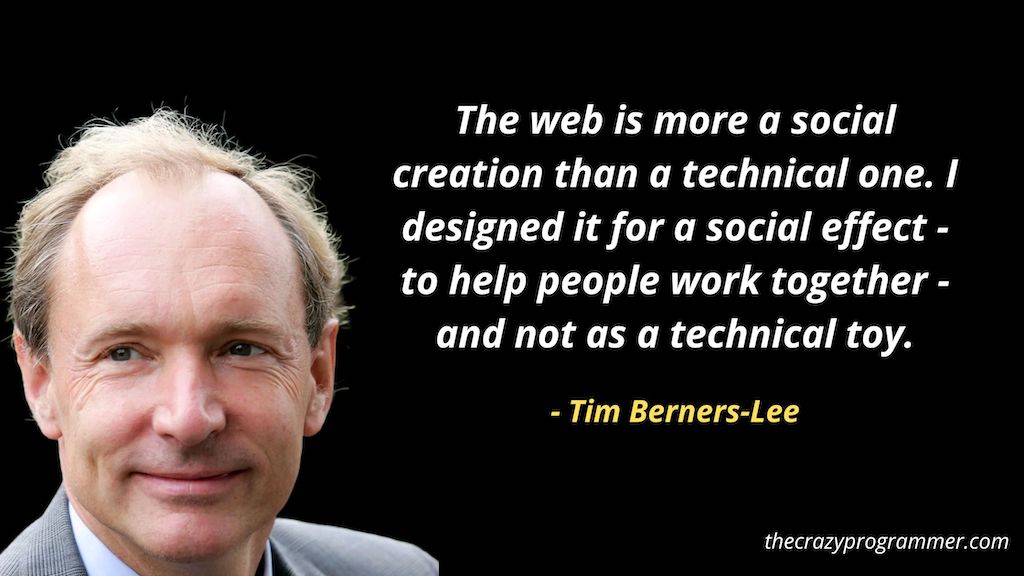
The web is more a social creation than a technical one. I designed it for a social effect – to help people work together – and not as a technical toy.

The web is more a social creation than a technical one. I designed it for a social effect - to help people work together - and not as a technical toy.

You affect the world by what you browse.

You affect the world by what you browse.

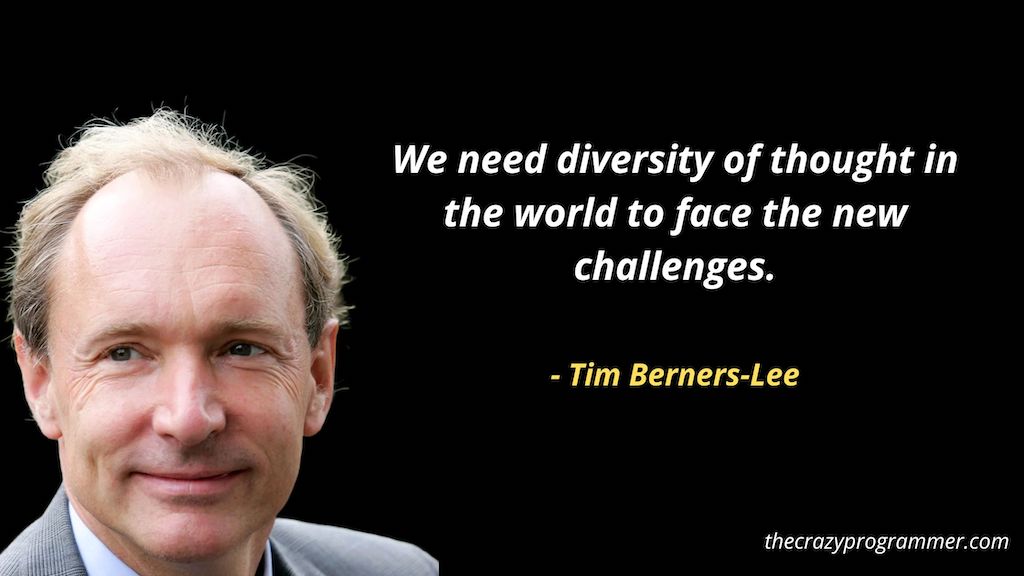
We need diversity of thought in the world to face the new challenges.

We need diversity of thought in the world to face the new challenges.

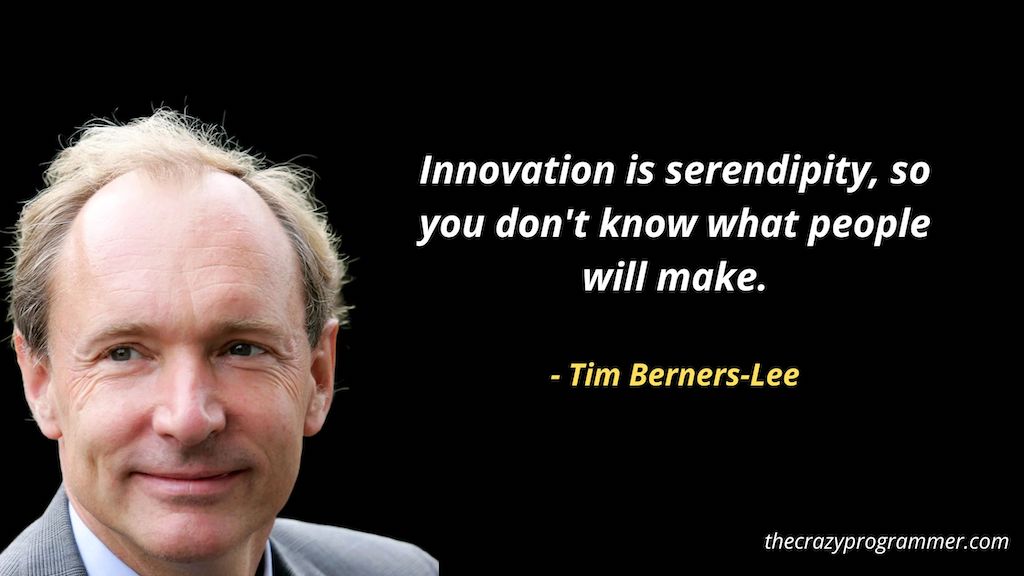
Innovation is serendipity, so you don’t know what people will make.

Innovation is serendipity, so you don't know what people will make.

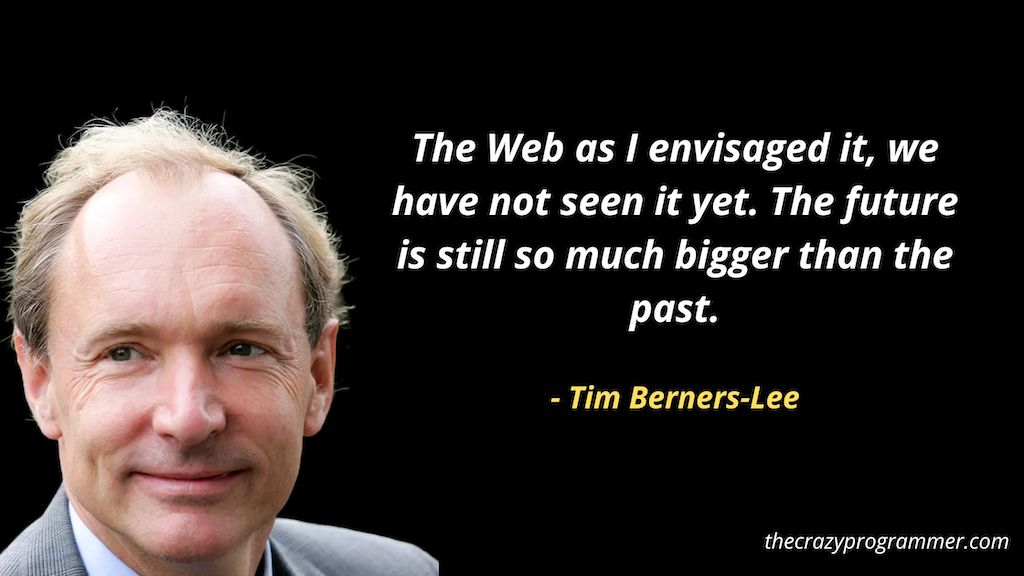
The Web as I envisaged it, we have not seen it yet. The future is still so much bigger than the past.

The Web as I envisaged it, we have not seen it yet. The future is still so much bigger than the past.

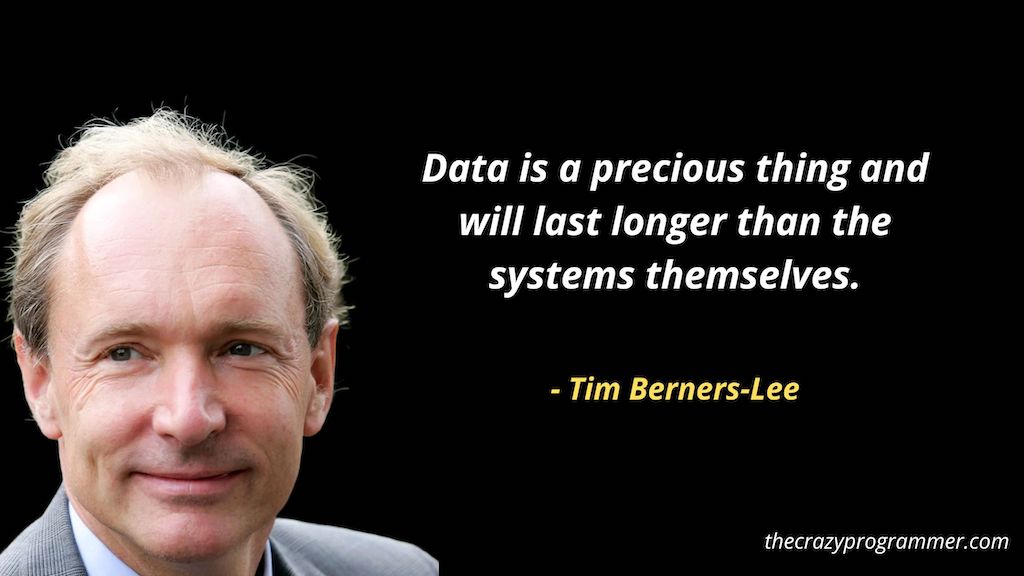
Data is a precious thing and will last longer than the systems themselves.

Data is a precious thing and will last longer than the systems themselves.

I hope you liked these Tim Berners-Lee quotes. Please mention in the comments if you know of any other good quotes by Tim Berners-Lee.

The post Tim Berners-Lee Quotes appeared first on The Crazy Programmer.


from The Crazy Programmer https://ift.tt/NmBwZTt

This article will guide you to choose the best laptop for coding and programming and some of my top laptop picks for developers and students in India. I have also given the best picks based on prices under 1 Lakh, 70000, 60000, 50000, 40000, etc.

As a programmer or developer, it becomes really confusing to pick the best laptop from thousands of laptops available in the market. It becomes even more difficult for a person who is just starting programming.

Below I have shared some key points that will definitely help you to pick the perfect laptop for working on any programming technologies, C, C++, C#, Java, Python, SQL, Android, etc.

Also Read: 8 Best Keyboards for Programming in India

How to Choose Best Laptop for Programming in 2017?

Image Source

How to Choose the Best Laptop for Programming?

RAM

It is the first and most important thing that you should look for. A laptop with 8GB RAM is an ideal choice but 16GB RAM would be the best choice. If your budget is too low then you can go with 4GB RAM also.

Believe me, it really sucks working on a low-performance machine. Earlier I used to do Android app development on a laptop with 4GB RAM. It was so annoying because everything works really slowly.

So I would highly recommend you a 16GB RAM laptop if you are an app developer.

  • Best Choice: 16GB RAM or High
  • Ideal Choice: 8GB RAM

Processor

Good processor and RAM should be your highest priority when choosing a laptop for programming. As a programmer or developer, we have to do multitasking. When I do programming or development I have to open a few IDEs along with a browser with several tabs opened. For such a purpose, a good processor is required.

A laptop with an i5 processor is an ideal choice. You can go with i7 processor if you have a good budget and for a low budget, you can go with i3 processor.

  • Best Choice: i7 Processor or High
  • Ideal Choice: i5 Processor

Note: Now Apple laptops are powered by M1 & M2 Chips. It is also a good choice for programming.

Graphics Card

An external graphics card is not necessary until you are not doing game development or some high graphics-related work. But if you are a game developer then you must go with a laptop with an external graphic card.

Best Choice (Especially For Game Developers): External Graphic Card (4GB or High)

Ideal and Low Budget Choice (For Other Developers): Integrated Graphic Card

Storage

SSD and HDD are two storage types that laptops have. SSD gives faster performance but is costlier than HDD. It’s great if you can afford an SSD storage-type laptop. But if you can’t then go with HDD and later on you can use some external SSD storage or upgrade.

Battery Life

If you mostly work at places where the power supply is not available then you must choose a laptop with huge battery life. Otherwise these days almost all laptops come with moderate battery backup.

You can get custom programmer laptop stickers at www.stickeryou.com.

Below I have shared some laptops that I believe are good for programmers in India. Even if you don’t like any of them you can consider the above points to pick the best laptop according to your usage.

Laptops Under 1 Lakh

Apple MacBook Air with M2 Chip

Apple 2022 MacBook Air Laptop with M2 chip

The Apple MacBook Air 2022 edition defines innovation, bringing together Apple’s renowned M2 chip with a lightweight design, perfect for programmers who appreciate both power and portability.

Features Details
Processor Next-gen 8-core CPU, up to 10-core GPU, 24GB unified memory
Display 13.6-inch Liquid Retina, 500+ nits brightness
Memory & Storage Unified 24GB Memory (not specified storage)
Graphics Integrated with M2 Chip
Design Strikingly thin, weighs 1.24 kg
Battery Up to 18 hours
Camera & Audio 1080p FaceTime HD, three-mic array, four-speaker system with Spatial Audio
Ports & Connectivity MagSafe charging, two Thunderbolt ports, headphone jack

Lenovo IdeaPad Slim 5

Lenovo IdeaPad Slim 5 Intel Core i7 12th Gen

Offering the power of Intel’s 12th Gen processors, the Lenovo IdeaPad Slim 5 promises dependable performance in a sleek package, making it a developer’s reliable sidekick.

Features Details
Processor 12th Gen Intel Core i7-1255U, 10 Cores, 12 Threads, 12MB Cache
Display 15.6″ FHD, 300 nits brightness, Anti-Glare, IPS
Memory & Storage 16GB RAM DDR4-3200, 512 GB SSD
Graphics Integrated Intel Iris Xe
Design 1.69 cm thin, 1.85 kg weight, Aluminium top
Battery 8 Hours, 76Wh
Camera & Audio FHD 1080p, Fixed Focus, Privacy Shutter, Dual Array Microphone, 2 x 2W Stereo Speakers, Dolby Audio
Ports & Connectivity USB-A, USB-C, HDMI 1.4b, 4-in-1 media reader

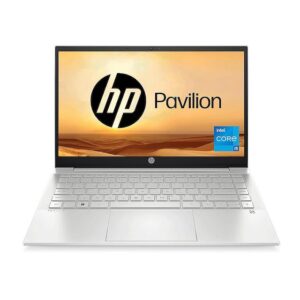
HP Pavilion 14

HP Pavilion 14 12th Gen Intel Core i7

Fusing HP’s commitment to sustainability with Intel’s 12th Gen might, the HP Pavilion 14 offers an eco-conscious choice without sacrificing performance, making it a top pick for developers.

Features Details
Processor Intel Core i7-1255U (up to 4.7 GHz), 10 cores, 12 threads
Display 14″ FHD, IPS, micro-edge, BrightView, 250 nits
Memory & Storage 16 GB DDR4-3200 SDRAM, 1 TB PCIe NVMe M.2 SSD
Graphics Intel UHD Graphics
Design Compact form with backlit keyboard
Battery 3-cell, 43 Wh Li-ion
Camera & Audio HP Wide Vision 720p HD camera, Audio by B&O, Dual Speakers
Ports & Connectivity USB Type-C, USB Type-A, HDMI 2.1

Laptops Under 70000

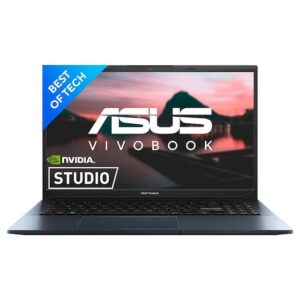
ASUS Vivobook Pro 15

ASUS Vivobook Pro 15

The ASUS Vivobook Pro 15 offers impressive hardware specifications encapsulated within an ultra-portable design. With the power of AMD’s Ryzen 5 and NVIDIA’s RTX 3060, it promises to be a powerhouse for programmers and multitaskers alike.

Feature Details
Processor AMD Ryzen 5 5600H (4.2 GHz, 6 cores)
RAM 16 GB DDR4
Storage 512 GB SSD
Graphics NVIDIA GeForce RTX 3060 (4 GB GDDR6)
Display 15.6-inch FHD LED (1920 x 1080) with 144Hz refresh rate
Operating System Windows 11 Home
Special Features Fingerprint Reader, HD Audio, Backlit Keyboard, Memory Card Slot
Connectivity USB Type C, Micro USB Type A, 3.5mm Audio, Bluetooth 5
Battery Life 6 Hours

HP Pavilion 14

HP Pavilion 14, 12th Gen Intel Core i5-1235U

HP Pavilion 14 pairs the latest 12th Gen Intel Core i5 with robust memory and storage options. It is engineered for performance and designed with elegance, boasting a slim profile and long-lasting battery.

Feature Details
Processor 10-core 12th Gen Intel Core i5-1235U with Intel Iris Xᵉ graphics
RAM 16 GB DDR4
Storage 512GB PCle NVMe M.2 SSD
Display 14-inch FHD Micro-edge display (250-nit)
Operating System Windows 11 (MS Office 2019 pre-loaded)
Connectivity Wi-Fi 6 (2×2), Bluetooth 5.2, USB Type-C, 2x USB Type-A, HDMI 2.1
Battery Life Fast charging (up to 50% in 30 mins)
Additional Features HP Wide Vision 720p HD camera, Audio by B&O, Fingerprint reader

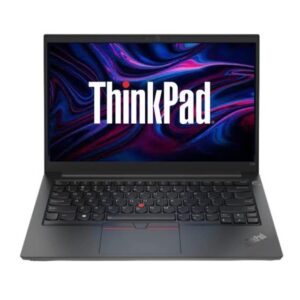
Lenovo ThinkPad E14

Lenovo ThinkPad E14 Intel Core i5 12th Gen

Renowned for its rugged build and reliability, the Lenovo ThinkPad E14 offers a solid combination of performance and durability. Featuring a 12th Gen Intel Core i5, it is perfect for professionals on the go.

Feature Details
Processor 12th Gen Intel Core i5-1235UG4 (up to 4.4 GHz, 10 cores)
RAM 16GB DDR4 3200 MHz (Upgradable up to 40GB)
Storage 512GB SSD M.2 (Upgradable up to 2 TB)
Display 14-inch FHD Anti-glare display (250 Nits)
Graphics Integrated Intel Iris Xe Graphics
Operating System Windows 11 Home SL (MS Office Home & Student 2021 pre-installed)
Ports USB 2.0, USB 3.2 Gen 1, Thunderbolt 4, HDMI, Ethernet (RJ-45)
Battery Life Up to 9.4 hours (Rapid Charge up to 80% in 1hr)

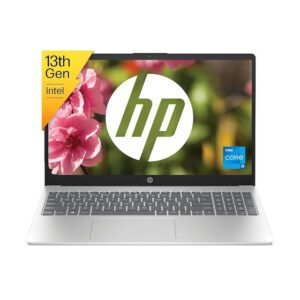
HP Laptop 15

HP Laptop 15, 13th Gen Intel Core i5-1335U

HP’s Laptop 15 elevates the user experience with its 13th Gen Intel Core i5 processor, ensuring a smooth multitasking environment. The spacious 15.6-inch display paired with an efficient battery life ensures productivity throughout the day.

Feature Details
Processor 13th Gen Intel Core i5-1335U, 10-core
RAM 16 GB DDR4
Storage 512 GB PCIe NVMe M.2 SSD
Graphics Integrated Intel Iris Xᵉ graphics
Display 15.6-inch FHD, 250-nit, Micro-edge
Connectivity Wi-Fi 6 (1×1), Bluetooth 5.3, USB Type-C/A, HDMI 1.4b
Operating System Windows 11 with MS Office 2021
Battery Fast Charge (50% in 45 mins)

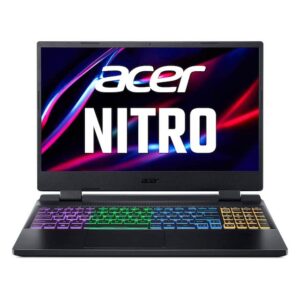
Acer Nitro 5

Acer Nitro 5 12th Gen Intel Core i5

The Acer Nitro 5 stands as a gaming powerhouse, fueled by the 12th Gen Intel Core i5. Aided by NVIDIA’s RTX 3050 graphics, the 144 Hz vibrant display promises an immersive experience, making it an excellent choice for developers and gamers alike.

Feature Details
Processor Intel Core i5 12th Gen
RAM 16 GB DDR4 (upgradable to 32 GB)
Display 15.6″ Full HD, Acer ComfyView LED-backlit TFT LCD, 144 Hz
Graphics NVIDIA GeForce RTX 3050, 4 GB GDDR6
Storage 512 GB PCIe Gen4 SSD
Operating System Windows 11 Home 64-bit
Weight 2.5 Kg
Special Features RGB Backlit Keyboard, Thunderbolt 4
Ports USB 3.2 Gen 2 (with power-off charging), USB 3.2 Gen 2, USB Type-C (Thunderbolt 4), USB 3.2 Gen 1

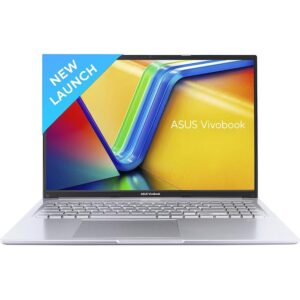
ASUS Vivobook 16

ASUS Vivobook 16

Crafted for modern professionals, the ASUS Vivobook 16 blends a sleek design with robust performance. Its 16-inch FHD+ display and integrated graphics ensure clarity, while the Core i5-1335U processor offers smooth multitasking, making it ideal for coders and content creators.

Feature Details
Processor Intel Core i5-1335U (1.3 GHz base, up to 4.6 GHz)
RAM & Storage 16GB 3200MHz (8GB onboard + 8GB SO-DIMM) & 512GB M.2 NVMe PCIe 4.0 SSD
Display 16.0-inch FHD+ (1920 x 1200), 60Hz, 45% NTSC Anti-glare
Graphics Integrated Intel Iris Xᵉ
Operating System & Software Windows 11 Home with Pre-Installed Office Home and Student 2021 & 1-Year McAfee Anti-Virus
Design Thin (1.99 cm) & Light (1.88 kg), 42WHrs Battery (Up to 6 hours)
Keyboard Backlit Chiclet with Num-key
Ports USB 2.0 Type-A, USB 3.2 Gen 1 Type-C (supporting power delivery), USB 3.2 Gen 1 Type-A, HDMI 1.4, 3.5mm Combo Audio Jack, DC-in
Other Features 720p HD camera (with privacy shutter), Wi-Fi 6E, Bluetooth 5, US MIL-STD 810H military-grade standard, SonicMaster audio with Cortana support

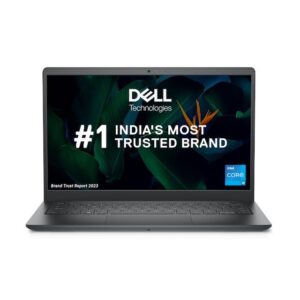
Dell 14 Metal Body Laptop

Dell 14 Metal Body Laptop

Boasting a sturdy metal body, Dell’s 14-inch laptop strikes a balance between style and function. Powered by the 12th Gen Intel i5-1235U and integrated graphics, this machine promises efficiency and versatility for programmers, complemented by enhanced security features.

Feature Details
Processor Intel Core i5-1235U 12th Generation (up to 4.40 GHz)
RAM & Storage 16GB DDR4 3200MHz (2 DIMM Slots, Expandable up to 16GB) & 512GB SSD
Display 14.0″ FHD WVA AG Narrow Border 250 nits
Graphics Integrated Onboard Graphics
Operating System & Software Win 11 Home + Office H&S 2021 with 15 Months McAfee antivirus subscription
Keyboard Backlit + Fingerprint Reader
Ports USB 3.2 Gen 1 Type-C (with DisplayPort 1.4), USB 3.2 Gen 1, USB 2.0, Headset jack, HDMI 1.4, Flip-Down RJ-45 (10/100/1000 Mbps), SD 3.0 card slot
Features TÜV Rheinland certified Dell ComfortView, Waves Maxx Audio, Hardware-based TPM 2.0 security chip

Laptops Under 60000

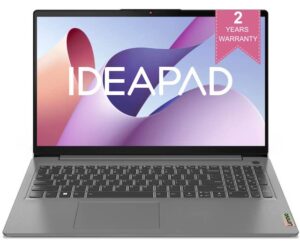
Lenovo IdeaPad Slim 3

Lenovo IdeaPad Slim 3

The Lenovo IdeaPad Slim 3, with its latest 12th Gen Intel i5 processor, ensures optimal performance for programmers. Its slim design and advanced features, such as the Lenovo Aware and Whisper Voice, prioritize user convenience and eye safety. The Xbox GamePass Ultimate subscription further enhances its appeal to gamers and developers alike.

Features Details
Processor 12th Gen Intel i5-1235U, 10 Cores, 1.3 / 4.4GHz (P-core)
Display 15.6″ FHD (1920×1080) TN, 250nits Anti-glare
Memory & Storage 16GB DDR4-3200 (Max), 512GB SSD
Graphics Integrated Intel Iris Xe Graphics
OS & Software Windows 11 Home 64, Office Home and Student 2021
Design & Weight 4 Side Narrow Bezel, 1.99 cm Thin, 1.63 kg
Battery Life Up to 6 Hours, Rapid Charge
Audio & Camera 2x 1.5W Stereo Speakers, HD Audio, Dolby Audio, HD 720p with Privacy Shutter
Ports USB-A, USB-C, HDMI, 4-in-1 media reader
Additional Features & Warranty Lenovo Aware, Whisper Voice, Eye Care, 2 Years onsite manufacturer warranty

HP Laptop 14s

HP Laptop 14s, 12th Gen Intel Core i5-1240P

HP Laptop 14s, a blend of reliability and efficiency, boasts a 12th Gen Intel Core processor and micro-edge display for enhanced visuals. Its long battery life, coupled with HP Fast Charge, is ideal for developers on the go. Integrated with the HP True Vision camera and dual speakers, it’s perfect for seamless conferencing.

Features Details
Processor 12-core 12th Gen Intel Core i5-1240P, 16 threads, 12MB L3 cache
Display 14-inch, FHD, 250-nit, micro-edge
Memory & Storage 8GB DDR4 RAM, 512GB PCIe NVMe M.2 SSD
Graphics Intel Iris Xe graphics
Connectivity Wi-Fi 5 (2×2), Bluetooth 5.0
Battery Life & Charging 41Wh, HP Fast Charge
Camera & Audio HP True Vision 720p HD camera, Dual speakers
Ports USB Type-C, USB Type-A, HDMI 1.4b
Software & Certification Win 11, MS Office 2021, EPEAT Silver registered, ENERGY STAR certified
Warranty & Design 1-year on-site standard warranty, Made of recycled plastics

HONOR MagicBook X14

HONOR MagicBook X14

HONOR MagicBook X14, encapsulating speed with style, delivers an exceptional experience with its 12th Gen Intel Core processor and lightweight body. A standout feature is its 2-in-1 Fingerprint Power Button, ensuring utmost privacy. The TÜV Rheinland Low Blue Light Certification affirms that it’s eye-friendly, suitable for prolonged usage.

Features Details
Processor 12th Gen Intel Core i5-12450H, 8 Cores, 2.0 GHz base speed, 4.4 GHz Max Speed
Display 14” Full HD IPS Anti-Glare
Memory & Storage 8GB LPDDR4x RAM, 512GB PCIe NVMe SSD
Graphics Intel UHD Graphics
Charging & Battery 65W Type-C Fast Charging, 60Wh Battery, Up to 12 hours
Security & Webcam 2-in-1 Fingerprint Power Button, 720P HD Webcam
Keyboard Backlit Keyboard
Ports Multi-Purpose Type-C Connector, Supports Charging & Data Transfer, Reverse Charging & Display
Design & Weight Premium Aluminium Metal Body, 16.5MM Thickness, 1.4kg
Operating System Pre-Loaded Windows 11 Home 64-bit

Comment below if I have any tips for choosing the best laptop for programming and development. You can also ask your queries related to buying a good coding and programming laptop.

The post 10 Best Laptops for Coding and Programming in India 2023 appeared first on The Crazy Programmer.


from The Crazy Programmer https://ift.tt/DZLGry9

Anyone who is interested or has paid close attention to communications and networking technologies knows exactly how meteoric the fiber optic cables rise was. They are adopted widely as the most durable, efficient, and cost-efficient alternative to traditional copper cables. Besides, these cables are used for various applications that include networking, audio and visual setups, and more.

It is quite clear that most industries and people rely on fiber optic cables for daily use, however, what is not very clear is how far back its history stretches and how we got it.

The light transmission concept has existed since the 1840s when inventors Jacques Babinet and Daniel Colladon demonstrated the direction of light by refraction from a distance.

History of Fiber Optics

Early Origin of Fiber Optics

The fiber optic history goes back to the 18th Century. Fiber optic cables like we know today did not exist yet, but it is when pioneers of science William Wheeler and Alexander Graham Bell started thinking of using light speed that can be used for transmitting information.

In the next century, many researchers came ahead and push forward this idea until, in the 20th century, many scientists were looking for patents for fiber optic technologies. During the 70s & 80s, non-experimental fiber cables got developed and started to be used by many telephone companies to redesign their communications infrastructures efficiently.

What is Fiber Optic?

Fiber optic communication is a process that transmits huge amounts of information from pulses of infrared light with the help of optical fibers—they are tiny fibers bundled to form cables (the size of a human hair stand).

History of Fiber Optics

Though the use of fiber optic cables started in the 1970s, and the main technology behind this goes back much further. Let us check out the quick synopsis:

1880: Graham Bell made the optical phone system, which he named the photophone.

1970s: Researcher Corning Glass first invented fiber wires, which can carry more than 65,000 times of more data compared to copper wires.

1970s-80s: Many telephone companies started using fiber cables for building their strong networks.

1986: Sprint was the first US telecom company to set up a nationwide digital fiber-optic cable network.

1988: Transatlantic telephone went into operation, which connected the US, France, and the UK and was used as the optical fiber.

1991: All-optic fiber network was invented to carry over 100 times more data than cable.

1996: The all-optic fiber system was laid first time over the Pacific Ocean.

1997: The longest cable in the world named Fiber Optic Link Around the Globe or FLAF provided the internet infrastructure.

1990s: Around 80% of the worldwide traffic information was transmitted through fiber optic cables. 

After the boom of the internet, the traditional copper cables got replaced by the fiber optic network because of the higher need for a faster and more reliable network, fiber became very cost-effective. At present, a vast fiber-optic cable network extends across the world, connecting us—and the whole world.

Advancement in the Fiber Optic Cable

After a while, scientists were able to make the signal loss in fiber optic cables very low. This made fiber optics the best choice for sending electronic information, like internet data, from one place to another.

By the 1990s as the World Wide Web was getting popularized among the people, fiber optics cables were laid over the world with the major push to provide proper infrastructure to offset the perceived issues of the Y2K.

At present, fiber is in virtually every area of the Earth, hence forming an absolute backbone of today’s modern communications setup.

Fiber optic technology today is used in many industries, which include the medical field, telecommunication, broadcasting, networking, aviation, and many more.

The post History of Fiber Optics appeared first on The Crazy Programmer.


from The Crazy Programmer https://ift.tt/p378JYj

MKRdezign

Contact Form

Name

Email *

Message *

Powered by Blogger.
Javascript DisablePlease Enable Javascript To See All Widget